
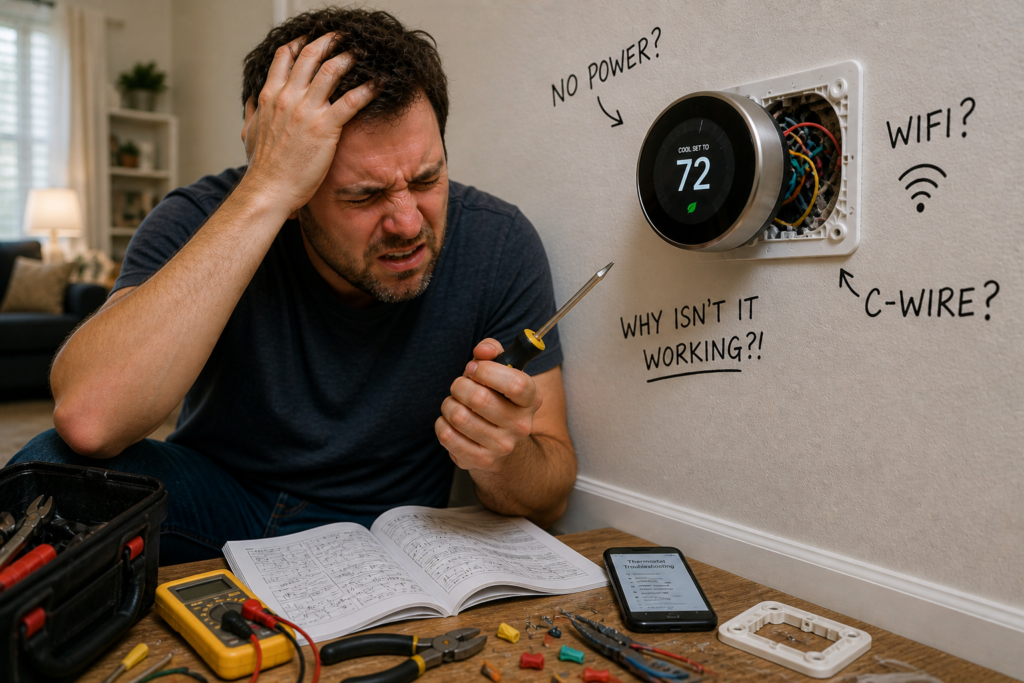
Smart thermostat troubleshooting is easier than most people think, and in many cases, you can fix the problem in under five minutes.
Whether it will not turn on, is not cooling, will not connect to WiFi, or is just not responding, this guide covers the most common problems and shows you how to fix them quickly.
No jargon. No fluff. Just clear fixes that actually work.
Some links in this guide may earn us a small commission at no extra cost to you. This helps support the site so we can keep creating helpful content.
Researched using guidance from the US Department of Energy, ENERGY STAR, Oak Ridge National Laboratory, Copeland (Sensi), Honeywell Home, Which?, Citizens Advice, and leading HVAC professionals.
Fun fact: According to ENERGY STAR, certified smart thermostats must demonstrate at least 8% heating runtime reduction and 10% cooling runtime reduction based on real world field data, not just lab tests. That means the savings you see advertised are backed by results from actual homes.
Smart Thermostat Troubleshooting Checklist
Before diving into specific problems, run through this checklist. These simple checks solve a large percentage of smart thermostat issues in under two minutes.
- Replace the thermostat batteries if it has them
- Check that the mode is set to “heat” or “cool” and not “off” or “fan only”
- Restart your thermostat by removing it from its base for 30 seconds
- Check your circuit breaker to make sure nothing has tripped
- Confirm your WiFi is working on another device
- Make sure the target temperature is actually set above or below the current room temperature
Pro tip from Copeland (Sensi manufacturer): Your HVAC system has a power switch that looks like a standard light switch, usually located near the furnace or air handler. It is easy to accidentally flip it off. Check there before calling anyone out.
Another tip from Copeland: The blower compartment door on your furnace or air handler contains a safety switch. If the door is loose or not properly secured, the entire system will not operate. Push the door firmly closed to make sure it is fully sealed.
The Most Common Fix That Works
Before reading any further, try these three things. They solve the problem for the majority of people.
In most homes, the issue comes down to one of three things:
- A dirty or blocked air filter
- Incorrect thermostat mode or temperature settings
- A WiFi connection problem
Fixing one of these usually resolves the issue immediately. Check them first before going any deeper.
Is your air filter the problem?
A clogged air filter is the single most common cause of thermostat and HVAC problems. According to the US Department of Energy, a blocked filter can reduce your system’s efficiency by up to 15%.
The fix takes about two minutes: pull out your filter, hold it up to the light, and if you cannot see through it, replace it.
If you need a new one, see current prices and availability of replacement AC air filters on Amazon. Replacing your filter regularly is one of the cheapest and most effective things you can do for your system.
Common Thermostat Problems and Quick Fixes
Thermostat Not Turning On
A completely dead thermostat screen is alarming but usually has a simple explanation.
The most common causes are dead or weak batteries, a tripped circuit breaker, or a loose wire that came free during installation or after a knock to the unit. Less commonly, the thermostat itself may have developed a fault.
Try this first:
- Replace the batteries even if you think they are fine. Weak batteries can cause a blank screen without warning.
- Check your circuit breaker and reset it if it has tripped
- Remove the thermostat from its wall plate and check that all wires are firmly connected to the correct terminals
Fun fact: According to Honeywell Home, for a heating system to work properly your thermostat needs between 20 and 30 volts AC between the R and W wires for conventional systems, or the Rc and Y wires for heat pumps. If voltage falls outside this range, the thermostat simply cannot turn the system on regardless of its settings.
See our full guide: Why Is My Thermostat Not Turning On? 7 Simple Fixes That Work
Thermostat Not Reaching Set Temperature
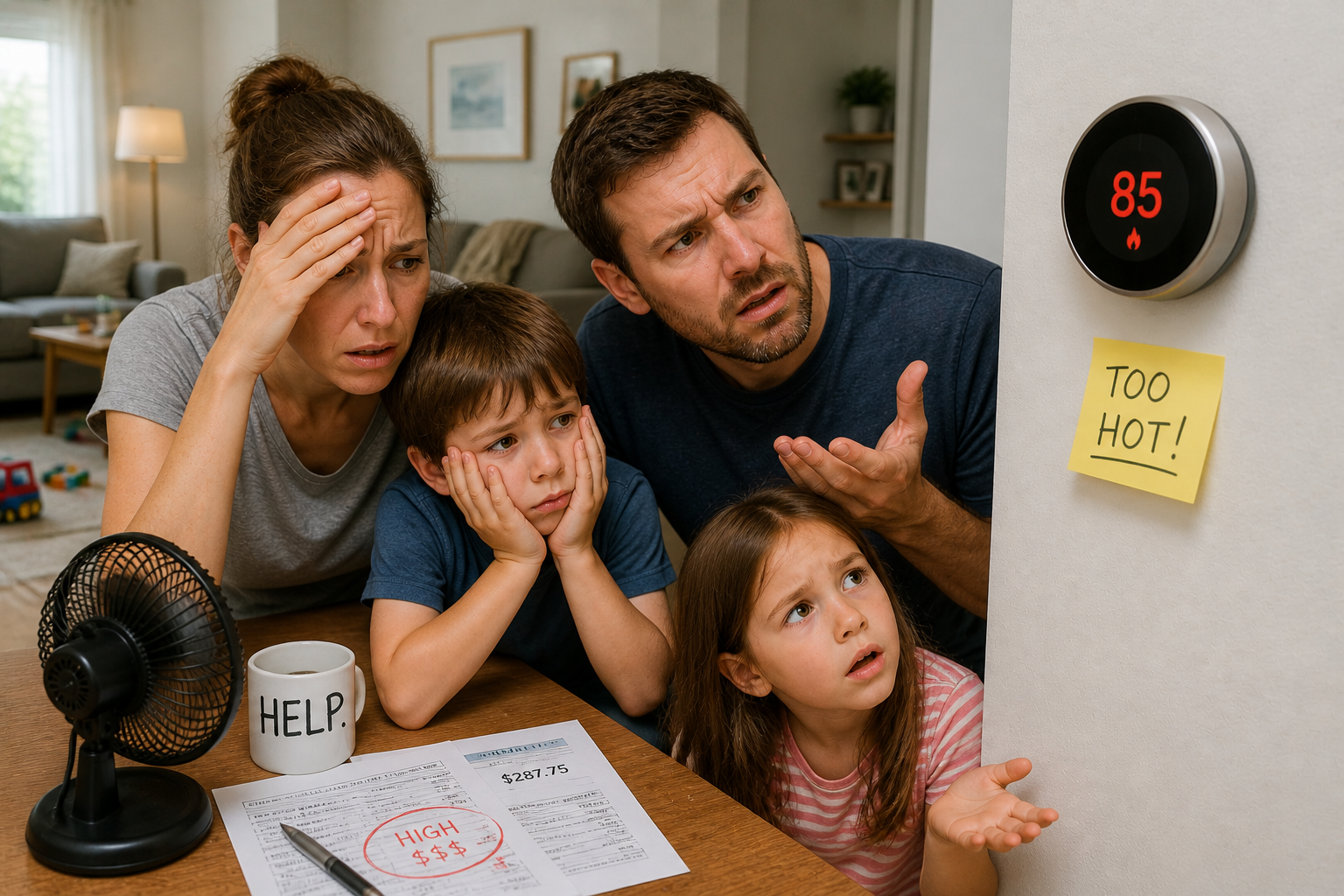
If your home never quite reaches the temperature you have set, the thermostat itself is often not the problem.
More likely causes include a dirty air filter restricting airflow, the thermostat being placed in a poor location such as near a window, a heat source, or a draughty doorway, or an HVAC system that needs servicing.
The US Department of Energy notes that thermostat placement is one of the most overlooked factors in home heating and cooling efficiency. A thermostat near a heat source will read the room as warmer than it is and switch off the system too early.
For a full breakdown of how small thermostat mistakes add up on your energy bill, see our guide: Why Is My Heating Bill So High? 11 Thermostat Mistakes That Waste Money
Try this first:
- Check and replace your air filter if it looks dirty or blocked
- Check the thermostat is not near a window, exterior door, or heat source
- Make sure nothing is blocking your vents or radiators
See our full guide: Thermostat Not Reaching Set Temperature? 7 Simple Causes and Fixes
AC Running But Not Cooling
If your air conditioning is running but the room is staying warm, this is one of the most common calls HVAC engineers receive, and in many cases the homeowner could have fixed it themselves.
Home Alliance, a professional home services company, notes that the most frequent causes are a clogged air filter, incorrect thermostat settings, a blocked outdoor condenser unit, or low refrigerant levels.
Try this first:
- Check the thermostat is set to “cool” and not “fan only” or “heat”
- Check and replace the air filter
- Clear any debris from around the outdoor unit
Research from the Department of Energy’s Oak Ridge National Laboratory shows that smart thermostats can detect HVAC system faults early, potentially saving homeowners money by catching problems before they become major repairs.
See our full guide: Why Is My AC Running But Not Cooling? 9 Quick Fixes That Actually Work
Uneven Room Temperatures
If some rooms in your home feel significantly warmer or cooler than others, the issue is usually airflow, insulation, or thermostat placement rather than a fault with the thermostat itself.
Common causes include leaky ductwork losing cool or warm air before it reaches certain rooms, poor insulation in one part of the home, or vents that are partially or fully blocked by furniture.
Try this first:
- Check that all vents in the affected rooms are open and unobstructed
- Check visible ductwork for obvious gaps or loose connections
- Consider whether the thermostat is placed in a room that heats or cools faster than the rest of the home
See our full guide: Uneven Room Temperatures? 7 Powerful Fixes That Actually Work
Thermostat Not Responding to Changes
If you adjust the temperature and nothing happens, or the system takes an unusually long time to respond, there may be a delay built into your system rather than an actual fault.
Guardian Protection, a professional home systems provider, notes that when switching between heat and cool modes you may need to wait up to five minutes for the compressor delay to clear. This is a normal protective feature designed to prevent equipment damage, not a sign that something is wrong.
Try this first:
- Wait five to ten minutes after changing modes before assuming something is wrong
- Check for a blinking or fast flashing status light inside your furnace. According to Guardian Protection, this indicates a system error code. Refer to your HVAC manual to find out what the specific code means.
Smart Thermostat Specific Issues
Smart thermostats introduce a few additional problems that traditional thermostats simply do not have. Here are the most common ones.
Not Connecting to WiFi
This is one of the most frequently reported smart thermostat issues. The good news is that it is almost always fixable without a technician.
According to Home Alliance, common causes include the router being too far from the thermostat, the thermostat trying to connect to a 5GHz network when it only supports 2.4GHz, or a firmware update being needed.
Try this:
- Restart your router and wait two minutes before trying to reconnect
- Check whether your thermostat supports 5GHz WiFi. Many older models only support 2.4GHz. If your router broadcasts both, make sure you are connecting to the correct one.
- Check for firmware or app updates. Manufacturers regularly release fixes for connectivity issues.
- If all else fails, reset the thermostat to factory settings and set it up again from scratch
Fun fact: Most smart thermostat connectivity problems are caused by the 2.4GHz versus 5GHz network issue. If your thermostat dropped off WiFi after you upgraded your router, this is almost certainly why.
App Not Syncing
If your thermostat appears to be working fine on the wall but the app is not reflecting the current settings or temperature, the issue is usually with the app rather than the thermostat itself.
Home Alliance notes that this is a common problem that can usually be resolved without touching the thermostat at all.
Try this:
- Log out of the app completely and log back in
- Delete the app and reinstall it fresh
- Update the app to the latest version
- Restart your phone and try again
- Check whether the thermostat manufacturer is experiencing a server outage. A quick search will usually confirm this within seconds.
Schedule Not Working
If your thermostat is ignoring the schedule you set, or reverting to different temperatures than expected, there are a few likely culprits.
Auto learning mode on thermostats like the Google Nest can sometimes override your manual schedule if it has learned different patterns from your behaviour. A software update can also occasionally reset schedules without warning.
Try this:
- Go into your thermostat settings and check the schedule is still saved correctly
- If you have an auto learning feature, try disabling it temporarily and setting the schedule manually
- Check whether a recent software update has reset any settings
- If the schedule was set up through the app, delete it and recreate it directly on the thermostat itself
Wiring and Compatibility Issues
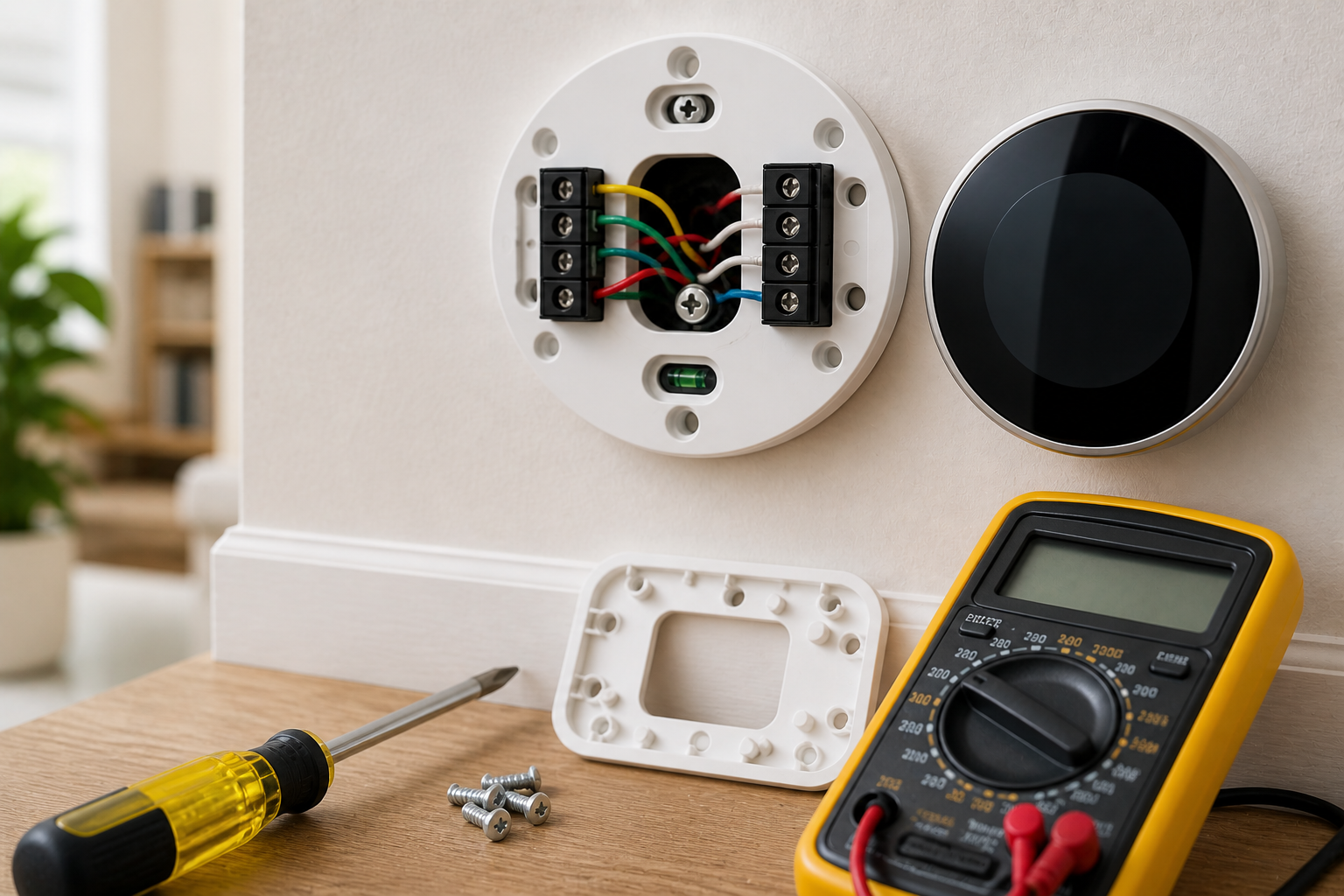
If your smart thermostat was recently installed and is not working properly, wiring is often the cause. This is especially common in older homes.
No C-Wire
Many smart thermostats require a C-wire (common wire) to maintain a consistent power supply. Without it, some models will not work at all, while others will behave erratically or drain batteries very quickly.
If your current system does not have a C-wire, you have a few options: use a thermostat that includes a Power Extender Kit such as the ecobee, install a C-wire adapter, or run a new wire if your HVAC system supports it.
See our full guide: Do You Need a C-Wire for a Smart Thermostat?
Loose or Incorrect Wiring
If your thermostat was recently installed and is not working as expected, loose or incorrectly connected wires are a very common cause. Even a wire that appears connected can sometimes be sitting on top of a terminal rather than firmly secured inside it.
Try this:
- Remove the thermostat from its wall plate carefully
- Check each wire is firmly inserted into its terminal and matches the correct label
- Take a photo of the wiring before making any changes so you can refer back to it if needed
If you want to check whether your wiring is receiving the correct voltage before calling a technician, a basic digital multimeter makes this straightforward. According to Honeywell Home, your thermostat needs between 20 and 30 volts AC to operate correctly. Anything outside that range points to a wiring or system issue.
See current prices and availability of digital multimeters on Amazon. A basic model is inexpensive and genuinely useful for any home electrical troubleshooting.
Compatibility Problems
Not all smart thermostats work with all heating and cooling systems. Heat pumps, multi-stage systems, and older boiler setups can all cause compatibility issues that are not immediately obvious.
Before purchasing any smart thermostat, use the manufacturer’s compatibility checker tool. Both Google Nest and ecobee offer these on their websites and they take less than two minutes to use.
See our guide: What Is a C-Wire? A Simple Guide for Smart Thermostats
When to Replace Your Thermostat
Sometimes the honest answer is that fixing is not worth it. If you are experiencing any of the following, replacement is likely the better option.
Signs it is time to replace:
- The screen is blank or flickering and none of the basic fixes have worked
- The thermostat keeps resetting itself to default settings
- It does not respond to any input, physical or through the app
- It is more than 8 to 10 years old and performance has noticeably declined
- Your energy bills have increased significantly without any obvious explanation
The good news is that replacing a smart thermostat is usually straightforward and modern options are significantly better than models from even five years ago.
Fun fact: According to ENERGY STAR, upgrading from an older programmable thermostat to a modern smart thermostat can reduce heating and cooling costs by an average of 8%. For the average American household spending more than $900 a year on heating and cooling, that works out at roughly $75 in annual savings, often covering the cost of the upgrade within the first year.
Our top recommendations if you are ready to upgrade:
Best overall: Google Nest Learning Thermostat Learns your routine automatically, adjusts when you leave the house, and is widely regarded as the easiest smart thermostat to live with day to day. See current prices and availability on Amazon
Best for multi room control: ecobee Smart Thermostat Premium Comes with room sensors, built in Alexa, and includes a Power Extender Kit so it works even without a C-wire. See current prices and availability on Amazon
Not sure which to choose? See our full best smart thermostats for home guide and our best smart thermostats under $100 guide for options at every budget.
Need help fitting one? Our how to install a smart thermostat guide walks you through the whole process step by step.
Quick Reference: Troubleshooting at a Glance
| Problem | Likely Cause | Quick Fix |
|---|---|---|
| Thermostat not turning on | Dead batteries or tripped breaker | Replace batteries, reset breaker |
| Not reaching set temperature | Dirty filter or poor placement | Replace filter, check location |
| AC running but not cooling | Clogged filter or wrong settings | Check filter, set to “cool” |
| Uneven room temperatures | Ductwork or airflow issue | Check vents, inspect ducts |
| Not connecting to WiFi | Wrong network or router issue | Restart router, check 2.4GHz vs 5GHz |
| App not syncing | App or phone issue | Log out, reinstall, restart phone |
| Schedule not working | Auto learning override | Disable auto learning, reset schedule |
| No C-wire | Older home wiring | Use PEK adapter or ecobee |
| System not responding | Compressor delay or error code | Wait 5 minutes, check furnace light |
Frequently Asked Questions
Why has my smart thermostat suddenly stopped working?
Usually batteries, a tripped breaker, or a lost WiFi connection. Run through the quick checklist at the top of this guide first.
Can a smart thermostat fix itself after a software update?
Yes. Many connectivity and schedule issues are resolved automatically when manufacturers push firmware updates. Make sure your thermostat is set to update automatically.
Why is my smart thermostat not following my schedule?
Auto learning mode may be overriding it, or a recent update may have reset your settings. Check the schedule in the app and on the thermostat itself.
Do smart thermostats work without WiFi?
Most will still control your heating and cooling without WiFi, but you will lose remote access through the app and any smart features that rely on an internet connection.
How do I know if my thermostat needs replacing?
If it is over 8 to 10 years old, keeps resetting, has a blank screen that basic fixes cannot resolve, or your energy bills have unexpectedly increased, replacement is likely the better option.
Can I install a smart thermostat without a C-wire?
Yes, in many cases. Some models include a Power Extender Kit and others use battery power. See our C-wire guide for a full explanation of your options.
Why does my thermostat keep losing WiFi connection?
Usually a 2.4GHz versus 5GHz network mismatch, the router being too far away, or the thermostat needing a firmware update. Try reconnecting through the app after restarting your router.
Should I turn off my thermostat if it is not working properly?
Yes. If your thermostat is behaving erratically, switch the system off at the breaker to prevent any potential damage to your HVAC equipment while you troubleshoot.
How often should I replace my air filter?
Every one to three months during periods of regular use, or monthly during summer and winter when your system is working hardest. A clean filter is one of the single most effective ways to keep your system running properly.
What is the easiest smart thermostat to install?
The Google Nest Thermostat is widely considered the most straightforward to install for most homes. The ecobee is a strong choice for homes without a C-wire because it includes a Power Extender Kit in the box.
Still Not Fixed? Here Is What to Do Next
If you have worked through this guide and your smart thermostat is still not behaving, here are your two best next steps.
Option 1: Contact a professional for a quick diagnosis. Most thermostat related service visits are quicker and more affordable than people expect, especially when caught early. Contact the manufacturer’s support line first as they can often diagnose software and connectivity issues remotely at no charge.
Option 2: Consider upgrading to a more reliable model. If your thermostat is old, constantly causing problems, or simply not meeting your needs, a modern smart thermostat is worth considering. Our best smart thermostats for home guide covers the most reliable options currently available with honest recommendations for every budget.
Related Reading
Want to go deeper on any of these topics? Here are the most useful guides on the site:
- Why Is My Thermostat Not Turning On? 7 Simple Fixes That Work
- Why Is My AC Running But Not Cooling? 9 Quick Fixes That Actually Work
- Why Is My Heating Bill So High? 11 Thermostat Mistakes That Waste Money
- Thermostat Not Reaching Set Temperature? 7 Simple Causes and Fixes
Sources
- ENERGY STAR (US EPA)
- US Department of Energy
- Oak Ridge National Laboratory (US DOE)
- Copeland / Sensi (Official Manufacturer Support)
- Honeywell Home (Official Manufacturer Support)
- Home Alliance (Professional Home Services)
- Guardian Protection (Professional Home Systems)
- Which? (UK Consumers Association)
- Citizens Advice
- ASHRAE
Reviewed by The Thermo Expert Team
The Thermo Expert Team researches and compares smart thermostats, heating systems, and common HVAC issues to provide clear, practical advice for homeowners. Our content is based on manufacturer documentation, real user experiences, and industry research to help you understand problems quickly and choose the right solution with confidence.