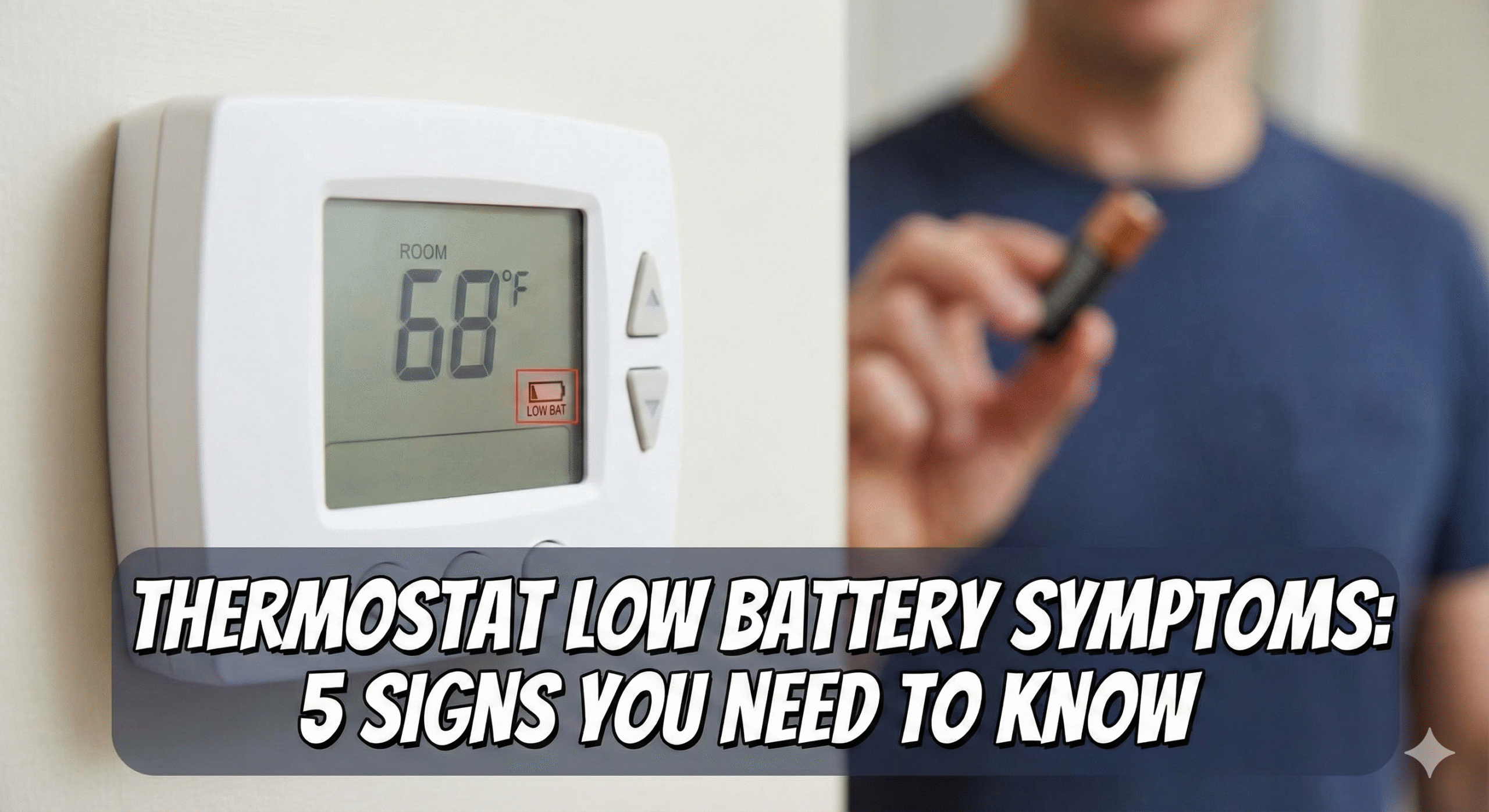
7 Silent Signs of Low Thermostat Batteries (And How to Fix Them)
We often think of our HVAC system as a massive, powerful machine. Yet, the entire system—your furnace, your AC condenser, your blower motor—is often controlled by two tiny AA batteries. When those batteries start to fade, the symptoms aren’t always as obvious as a blank screen. Instead, your home might experience “ghost” issues: flickering displays, erratic temperatures, or a furnace that clicks but never ignites.
As experts in climate control, we have analyzed the nuances of how thermostats work to bring you this definitive guide. Whether you have a standard Honeywell or a modern smart unit, identifying low battery symptoms early can save you an expensive service call.
⚡ Quick Answer: What are the symptoms of low thermostat batteries?
Beyond the obvious low-battery icon, watch for these operational failures:
- Fading Display: The backlight is dim or the text is hard to read.
- Slow Response: Buttons take seconds to register a press.
- HVAC Short Cycling: The heating/cooling turns on and off rapidly.
- Temperature Drift: The room temp doesn’t match the setting.
- Loss of Wi-Fi: Smart units drop connection to save power.
- Settings Reset: Programmed schedules vanish after a power blip.
- Clicking Sounds: The relay tries to engage but lacks the voltage to hold.
1. The “Fading Ghost” Display
The most visual indicator is the screen itself. Digital thermostats require a specific voltage to maintain the Liquid Crystal Display (LCD). As battery chemistry degrades, the voltage drops. You might notice the numbers look “washed out” or the backlight flickers when you press a button. This is often the first warning before total failure.
2. Erratic Temperature Readings (Sensor Drift)
This is a subtle but frustrating symptom. Internal temperature sensors rely on stable voltage to provide an accurate resistance reading. When the battery is low, the sensor data can drift.
For example, your room might be 70°F, but the thermostat reads 65°F and keeps the heat blasting. Before you assume the unit is broken or read our guide on how to tell if your thermostat is bad, simply swap the batteries. It is the cheapest diagnostic test you can do.
3. The “Click of Death” (Relay Failure)
Inside your thermostat, there is a mechanical relay that closes the circuit to send 24V signals to your furnace (W wire) or AC (Y wire). Closing this switch takes a burst of energy.
If the batteries are weak, they might have enough power to *display* the temperature, but not enough to *snap* the relay shut. You will hear a click, but nothing happens. Or worse, it might click repeatedly. This is a common cause for why your thermostat is clicking but not turning on.
4. Wi-Fi Disconnects (Smart Thermostats)
If you own a Sensi, Ecobee, or Honeywell smart thermostat, the Wi-Fi radio is a power hog. To preserve the core heating functions, many units will kill the Wi-Fi connection as soon as the battery dips below a certain threshold.
If your app says “Thermostat Offline” but the unit on the wall looks fine, check the power source. This is often mistaken for a router issue. For more on connectivity, check why is my Sensi thermostat not working.
5. HVAC Short Cycling
Short cycling is when your system turns on for 2 minutes, shuts off, and turns back on. Low batteries can cause the control voltage to fluctuate, sending confused signals to the control board. This puts immense stress on your compressor and heat exchanger.
If this is happening, don’t confuse it with a thermostat that keeps rebooting, which is usually a hardwiring issue, though symptoms overlap.
Comparison: Battery vs. Hardwired
Not all thermostats rely on batteries equally. Understanding your device type is key. (Read more: Best Battery Operated Thermostats).
| Feature | Battery Only | C-Wire (Hardwired) | Power Stealing (No C-Wire) |
|---|---|---|---|
| Primary Power | AA/AAA Batteries | HVAC Transformer (24V) | Charging via HVAC wires |
| Battery Role | Everything (Display + Relays) | Backup (Memory/Time) | Buffer for high-power tasks |
| Low Battery Symptom | Total Shutdown | Clock Resets | Wi-Fi drops / Reboots |
How to Change Your Batteries Correctly
It seems simple, but getting it wrong can reset your system programming.
- Pull gently: Most faceplates pull straight off the wall. Some have a hidden tab on the bottom.
- Check the type: Most take AA or AAA. Some older Honeywell models use a coin cell for memory backup.
- Use Lithium: We strictly recommend Energizer Ultimate Lithium batteries. They handle temperature fluctuations (hot hallways/cold vestibules) much better than standard alkaline.
- Verify Orientation: Ensure the positive (+) and negative (-) ends match.
- Snap back: Ensure the pins align perfectly to avoid bending them.
Recommended Products for Power & Testing
Don’t let a $2 battery destroy a $5,000 HVAC system. Here are our top picks.

Klein Tools Battery Tester
Stop Guessing. This tool tells you exactly how much juice is left in your AA, AAA, and 9V batteries. Essential for every homeowner’s drawer.
Check Price on Amazon
Energizer Ultimate Lithium AA (4-Pack)
The Gold Standard. These last significantly longer in smart devices and won’t leak corrosion into your expensive thermostat terminals.
Check Price on Amazon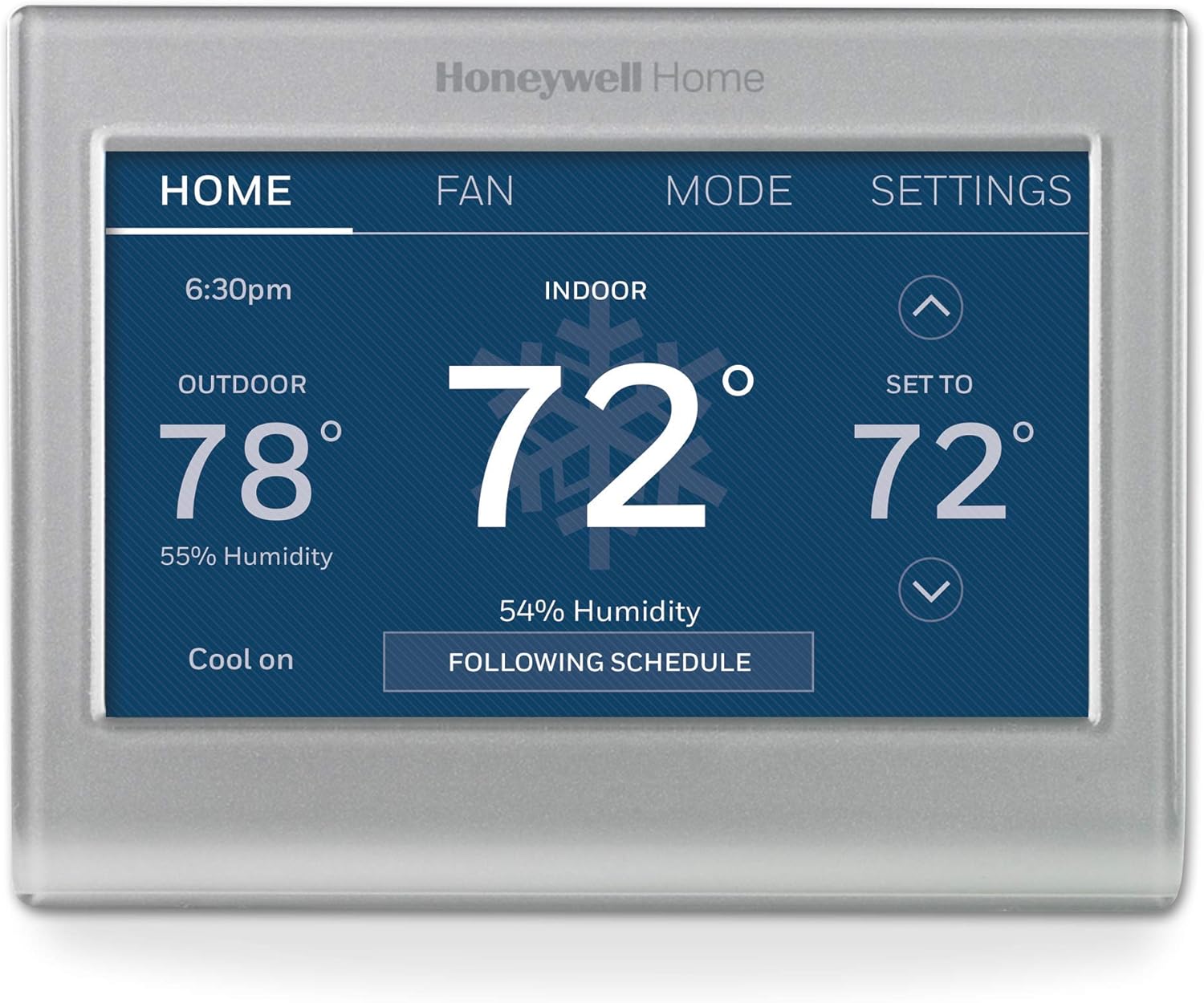
Honeywell Home Smart Color Thermostat
Time for an Upgrade? If your old battery unit is failing, this model uses a C-wire for reliable power and has a customizable color screen.
Check Price on AmazonRelated: Honeywell vs Emerson
Advanced Troubleshooting: “I Changed Batteries, But It Still Won’t Work”
If fresh batteries didn’t solve the issue, dig deeper:
- Corrosion: Look for blue/white crust on the battery terminals. Clean it with a cotton swab dipped in vinegar.
- Loose Wiring: The vibration of removing the cover can loosen the R or W wires. Check the screws.
- C-Wire Issues: If you upgraded to a smart thermostat without a C-wire, batteries will drain in days. You may need a power adapter kit. (Are WiFi thermostats worth it?).
Conclusion
A low battery icon is more than an annoyance; it is a warning that your home’s comfort system is about to lose its brain. By recognizing the subtle signs—fading displays, clicking noises, and Wi-Fi drops—you can maintain a comfortable home year-round.
Explore More at The Thermo Expert
From heating your home to keeping your lunch warm, we cover it all. Check out our specialized guides:
External Resource: HB McClure – 7 Ways to Tell Your Thermostat is Broken







 Home
Home
 Info
Info
 Compare
 Reviews
 Shop
Shop