How Smart Thermostat Connectivity Works: Wi-Fi, Apps, and Sensors
An in-depth technical breakdown of the communication protocols, cloud architecture, and sensor networks that power modern climate control.
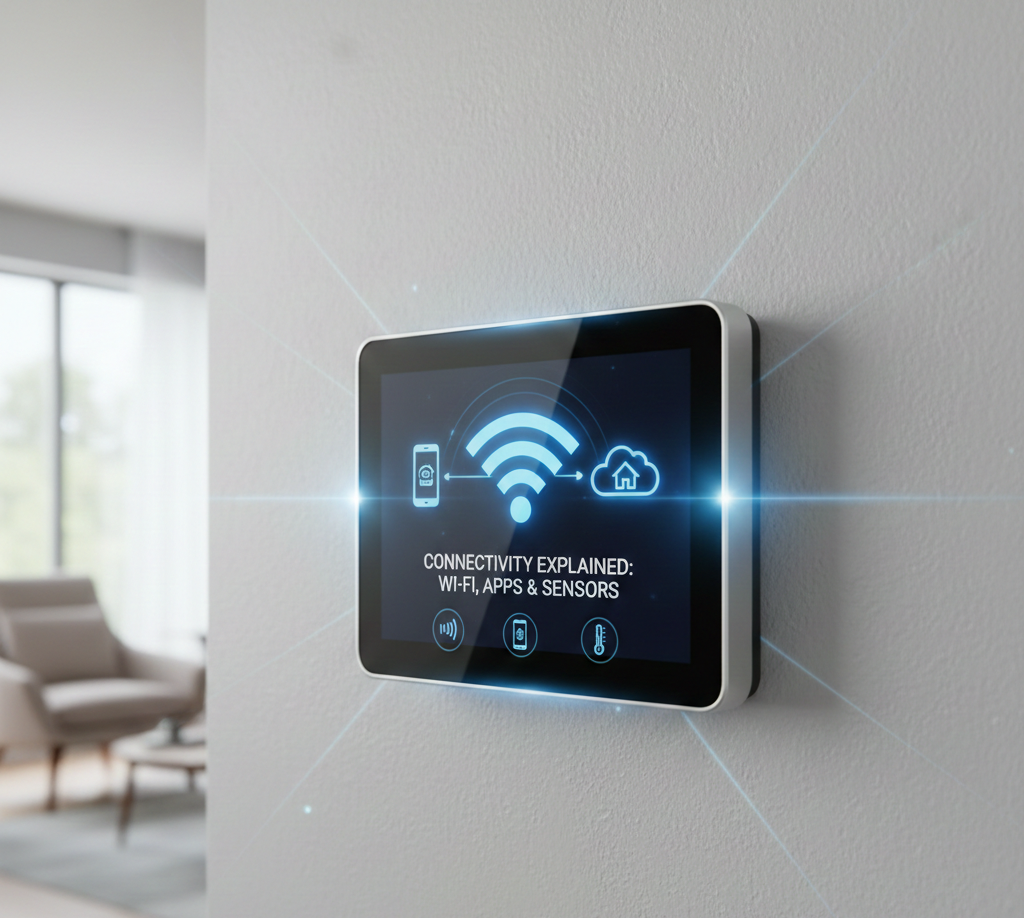
The modern smart thermostat is more than just a temperature switch; it is a sophisticated edge computing device. It acts as a bridge between high-voltage HVAC equipment and low-latency digital networks. Understanding how smart thermostat connectivity works requires looking under the hood at the interaction between local radio frequencies (Wi-Fi, Z-Wave) and cloud-based API architectures.
Core Components of Smart Thermostat Connectivity
To facilitate remote control and automation, a smart thermostat relies on three distinct layers of technology:
- The Hardware Layer: The physical unit on the wall containing the Wi-Fi radio, relays, and microcontrollers.
- The Network Layer: The local communication protocol (Wi-Fi, Zigbee, Thread) that transmits data to the internet gateway.
- The Cloud Layer: The remote servers that process algorithms, store usage history, and handle commands from mobile apps.
The Role of Wi-Fi in Smart Thermostats
2.4GHz vs. 5GHz
Most smart thermostats utilize the **802.11 b/g/n** Wi-Fi standard operating specifically on the **2.4GHz frequency**. While 5GHz is faster, 2.4GHz offers superior range and wall penetration, which is critical for a device often installed in hallways or basements far from the router.
When the device “wakes up,” it establishes a secure handshake (usually WPA2-AES) with your router. It is assigned a local IP address via DHCP, allowing it to route traffic out to the internet.
Mobile Apps and Cloud Servers Explained
A common misconception is that your phone communicates directly with your thermostat. In reality, they rarely speak face-to-face.
When you adjust the temperature on your phone:
- The Request: Your app sends a `POST` request to the manufacturer’s API endpoint (e.g., `api.ecobee.com`).
- Authentication: The server verifies your OAuth token to ensure security.
- State Change: The server updates the “desired state” in its database.
- The Push: The server pushes this command down to the thermostat via an open socket connection.
This round-trip usually happens in under 200 milliseconds. However, if your internet goes down, this chain breaks, which leads to connection issues like the “Sensi Connected Not Cloud” error.
Local vs. Cloud-Based Control
What happens when the Wi-Fi cuts out? Connectivity architecture determines the device’s resilience.
- Cloud-Dependent: Devices that rely entirely on the server for logic (e.g., older models) may lose scheduling capabilities offline.
- Local Processing: Modern devices (like Ecobee Premium or Nest Learning) store schedules and logic on onboard flash memory. If Wi-Fi fails, they continue to run the last known schedule, essentially becoming a standard programmable thermostat.
Data Flow Between Thermostat and HVAC Equipment
While the digital side handles Wi-Fi, the analog side handles your furnace. The thermostat acts as a specialized relay board.
When the digital logic decides heat is needed:
- The microcontroller sends a low-voltage signal to the specific solid-state relay.
- The relay closes the circuit between the R (Power) wire and the W (Heat) wire.
- This sends 24VAC to the furnace control board, triggering the ignition sequence.
This conversion from digital code to analog 24V switching is the physical heart of the system. For a deeper look at how voltage flows here, read about battery-powered smart thermostats and C-wires.
Protocol Wars: Zigbee, Z-Wave, Thread, and Matter
Not all thermostats use Wi-Fi directly. Some integrate into larger home automation hubs.
- Zigbee/Z-Wave: Low-power mesh networks. These thermostats don’t connect to Wi-Fi directly; they connect to a Hub (like SmartThings), which then connects to Wi-Fi. This consumes significantly less battery power.
- Thread/Matter: The future of connectivity. Thread creates a self-healing mesh network where devices can talk locally without needing the cloud, improving speed and reliability.
Sensor Integration: Temperature and Occupancy
Smart thermostats rely on NTC (Negative Temperature Coefficient) thermistors to read ambient air data. As temperature rises, the resistance in the thermistor drops. The CPU measures this resistance to calculate the room temperature.
Remote sensors (like Ecobee SmartSensors) send this data back to the main unit via low-frequency RF (around 915MHz), which penetrates walls better than Wi-Fi. For a technical deep dive on this, check out our guide on thermistors and temperature sensing.
Geofencing Mechanics
Geofencing uses your smartphone’s GPS background services. The app defines a virtual perimeter (radius) around your home coordinates.
When your phone’s OS detects a boundary crossing (Exit or Entry event), it wakes the thermostat app in the background. The app fires an API call to the cloud, setting the thermostat to “Away” or “Home.” This is arguably the most efficient way to save energy. Learn more about optimizing this in our geofencing runtime guide.
Power Management for Connectivity
Maintaining a constant Wi-Fi connection requires power—typically around 200-300mA. This is why the C-Wire (Common Wire) is essential for most Wi-Fi thermostats. Without it, the thermostat must “power steal” (pulse the HVAC circuit to charge a capacitor), which can cause relay chatter or system short-cycling.
Encryption and Network Safety Basics
Smart thermostats are IoT devices, making security paramount. Standard connectivity security includes:
- Data in Transit: Encrypted via TLS 1.2 or higher (HTTPS).
- Firmware Signing: Prevents malicious code from being installed during updates.
- 2FA (Two-Factor Authentication): Adds a layer of protection to the user account to prevent unauthorized access.
Smart Home Ecosystem Integration
APIs allow thermostats to “shake hands” with other platforms. For example, when you ask Alexa to “set temperature to 72,” Amazon’s server translates your voice to text, identifies the intent, and sends a JSON payload to the thermostat’s cloud API to execute the command.
Future Trends: AI and Predictive Connectivity
The next generation of connectivity involves Grid-Interactive Efficient Buildings (GEBs). In this model, the thermostat communicates not just with your phone, but with the local utility provider. It can pre-cool your home before electricity rates spike, balancing the power grid automatically.
Frequently Asked Questions
Yes, they function as basic programmable thermostats. You can change the temperature manually at the wall, and they will follow their last saved schedule. However, you lose remote app control, geofencing, and voice commands.
Wi-Fi radios consume constant power. The C-wire provides a dedicated return path for 24V electricity, ensuring the Wi-Fi chip stays powered without draining batteries or stealing power from the heating circuit.
Generally, yes. Major brands use TLS encryption for data transfer. To maximize safety, use a strong unique password, enable Two-Factor Authentication (2FA), and consider putting IoT devices on a separate Guest Wi-Fi network.
Wi-Fi thermostats connect directly to your router and consume more power. Redlink, Zigbee, and Z-Wave use low-power radio frequencies to connect to a central hub, offering better battery life and range but requiring that extra hub hardware.
Very little. Most smart thermostats use less than 50MB of data per month, as they only transmit small text strings (JSON data) containing temperature updates and status changes.
While theoretically possible, it is rare. The most common vulnerability is weak user passwords. Manufacturers patch firmware vulnerabilities automatically, so keeping your device online ensures you have the latest security defenses.
No. Thermostats are low-bandwidth devices. They do not stream video or audio, so their impact on your network speed is negligible.
Matter is a new universal standard that allows thermostats to work with Apple HomeKit, Google Home, and Alexa simultaneously without needing specific cloud integrations. It operates locally for faster response times.
Common causes include weak signal strength (RSSI), router band steering (switching between 2.4GHz and 5GHz), or lack of a C-wire causing power fluctuations that reset the Wi-Fi radio.
They typically do not use Wi-Fi. Instead, they use low-frequency proprietary radio signals (like 915MHz) to send temperature data to the main unit, which preserves the small coin-cell battery inside the sensor.







 Home
Home
 Info
Info
 Compare
 Reviews
 Shop
Shop