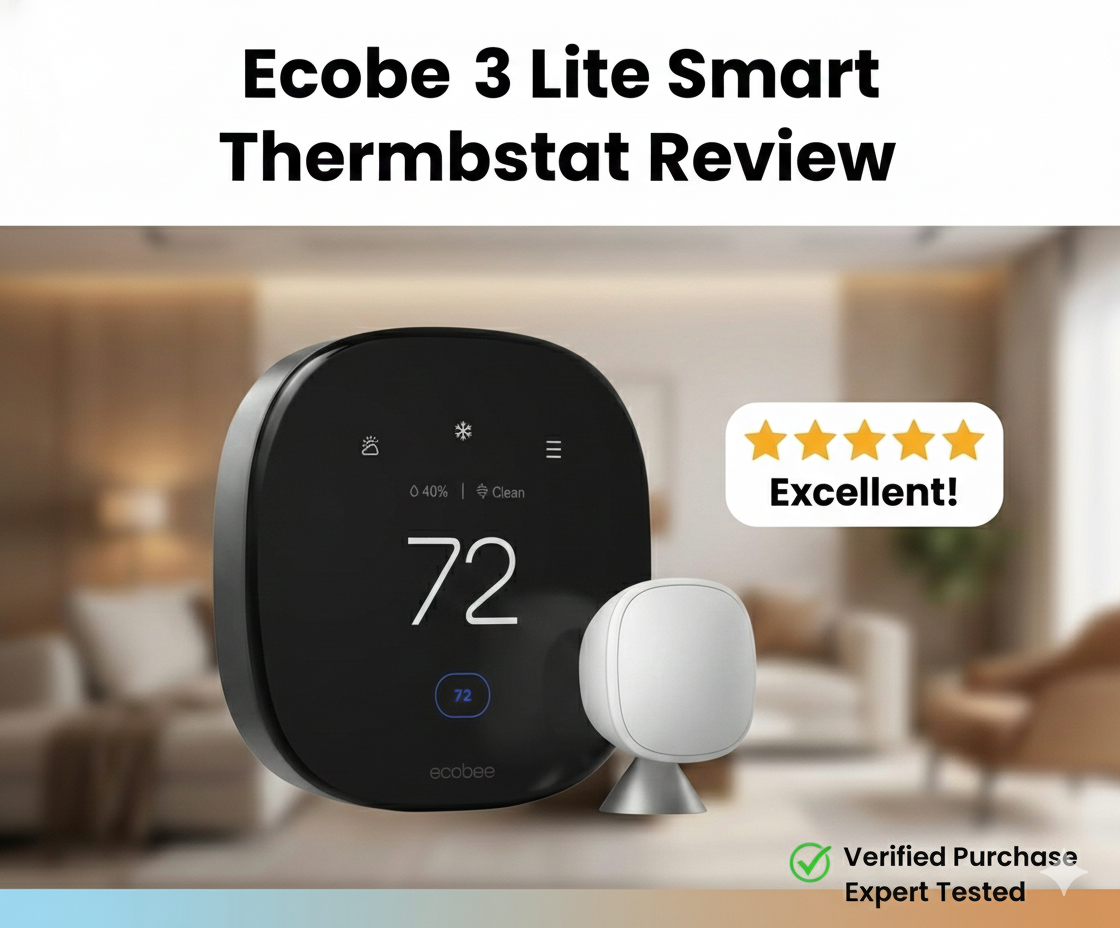
Ecobee3 Lite Smart Thermostat Review: Does “Lite” Mean Less?
In the crowded world of home automation, the term “Lite” often implies a compromised experience—features stripped away to hit a budget price point. However, the ecobee3 Lite Smart Thermostat challenges this narrative. It promises the robust reliability of its premium siblings without the hefty price tag, simply by removing the built-in Alexa speaker and accessory support that many homeowners don’t use anyway.
But is it still relevant in 2025? With competitors like the Honeywell T5 and the Google Nest E vying for the mid-range crown, the ecobee3 Lite has a lot to prove. In this comprehensive review, we strip down the marketing fluff to examine installation, energy savings, sensor compatibility, and whether this device is truly the best smart thermostat for energy savings for the average homeowner.
Product Overview: What is the Ecobee3 Lite?
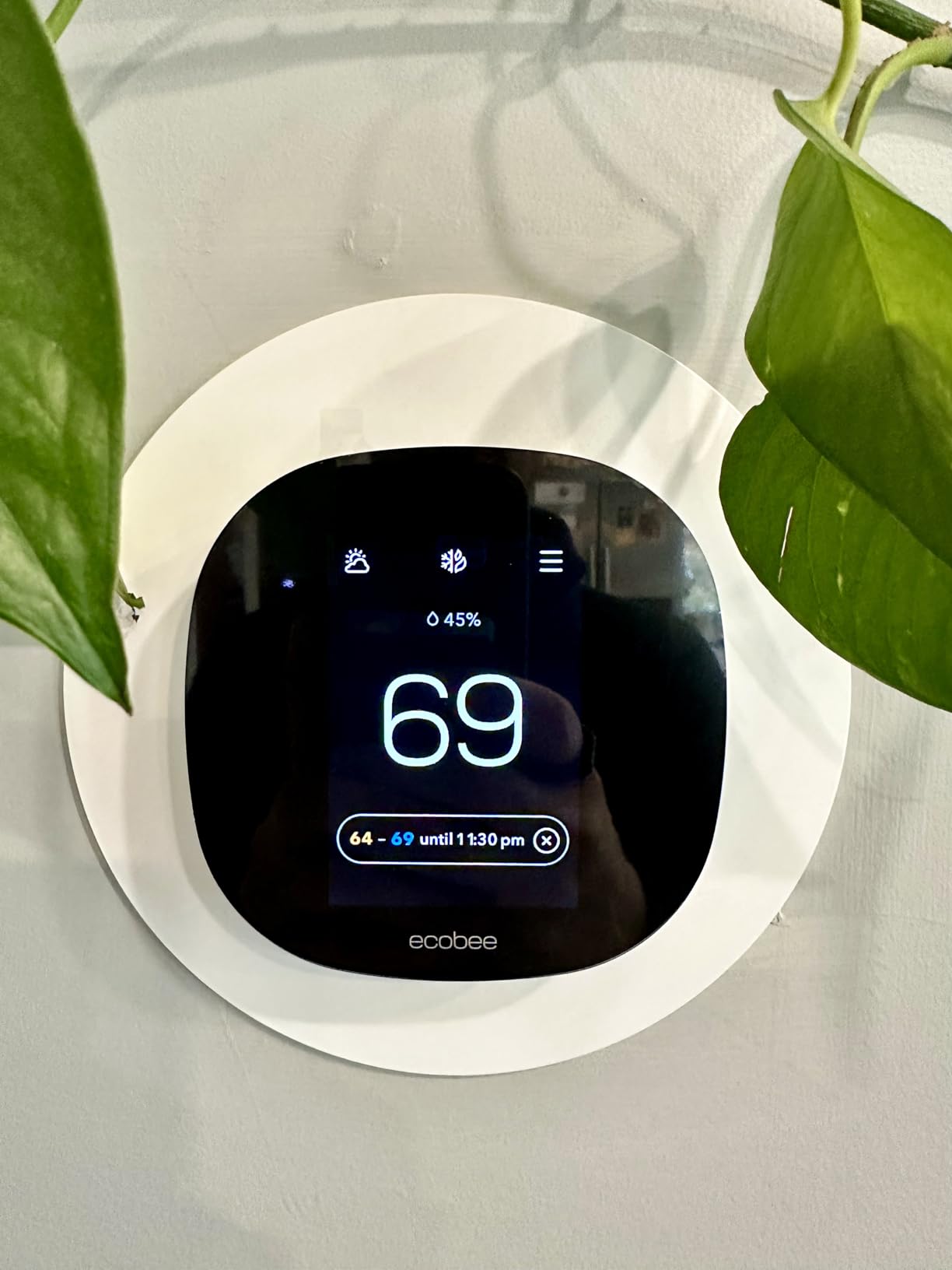
The ecobee3 Lite is designed for homeowners who want app control, scheduling, and smart home integration (Apple HomeKit, Amazon Alexa, Google Assistant) but don’t need their thermostat to play music or control a whole-home humidifier. It retains the signature “squircle” design—a black face with rounded corners—that has defined the brand’s aesthetic.
Unlike the newer Ecobee Smart Thermostat Premium review units which feature zinc bodies and radar sensors, the Lite is made of plastic and uses standard proximity sensors. However, the core software engine—Eco+—remains identical, meaning the potential for lowering your utility bills is just as high.

Installation & Compatibility
One of the biggest hurdles in adopting smart technology is the installation process. Many older homes lack a “C-wire” (Common wire), which provides constant power to the display. Without this, you might experience thermostat low battery symptoms or Wi-Fi disconnections.
The Power Extender Kit (PEK)
Ecobee solves the C-wire issue brilliantly with the included Power Extender Kit (PEK). If your wall only has four wires (R, G, Y, W), you install the PEK at your furnace control board. It repurposes the existing wires to provide power without running new cables through your drywall.
The installation guide in the Ecobee app is arguably the best in the industry, offering video tutorials and custom wiring diagrams. For those replacing older units, we have a detailed guide on how to switch out an hz311 thermostat for an ecobee thermostat that mirrors the process for the Lite.
High Voltage Warning
It is crucial to note that the ecobee3 Lite is a low-voltage (24V) system. It is not a thermostat for baseboard heaters (120V-240V). If you have electric baseboard heat, installing this could fry the unit or cause a fire. For those systems, you should look into a Mysa Smart Thermostat review instead.
Features & Performance Deep Dive
Once installed, the ecobee3 Lite operates smoothly. The touchscreen is responsive, though slightly smaller than the Premium model. Here is how it performs in key areas:
1. Eco+ and Energy Savings
The software backbone of Ecobee is “Eco+”. This feature learns your routine and recommends schedule changes. More importantly, it can adjust heating and cooling based on Time of Use (TOU) electricity rates if your utility company supports it. But do smart thermostats really save money? In our testing, the Eco+ feature reduced runtime by approximately 15% without a noticeable drop in comfort.
2. Smart Sensor Compatibility
While the Lite does not come with sensors in the box, it is fully compatible with Ecobee SmartSensors. This is vital for multi-story homes. If you have a room that is always freezing, the thermostat can use a remote sensor to average the temperature or focus solely on that occupied room. This resolves common complaints where a thermostat is not reaching set temperature in distant bedrooms.
3. Smart Home Integrations
The Lite shines in its neutrality. It works seamlessly with:
- Apple HomeKit: Control temperature via Siri or the Home app.
- Amazon Alexa: Use your Echo Dot to change the temp.
- Google Assistant: Fully integrated with Google Home routines.
- IFTTT: For custom automation scripts.
This broad compatibility gives it an edge in the Ecobee vs Wyze thermostat debate, as budget competitors often lack HomeKit support.
4. Geofencing
The app uses your phone’s location to determine if you are home or away. If you leave a geofenced radius, it sets the system to “Away” mode to save energy. For a detailed explanation of this technology, check out our article: what is geofencing thermostat.

Comparison: Ecobee3 Lite vs. The Competition
The mid-range market is fierce. How does the Lite stack up against the Nest E or the Honeywell T5?
| Feature | Ecobee3 Lite | Google Nest Thermostat (2020) | Honeywell Home T5+ |
|---|---|---|---|
| Remote Sensors | Sold Separately | Sold Separately | Not Supported (T9 supports them) |
| C-Wire Adapter | Included (PEK) | Not Included | Included |
| Accessory Support | No | No | No |
| Voice Assistant Built-in | No | No | No |
| HomeKit Support | Yes | No (Matter support varies) | Yes |
When comparing Nest vs Ecobee thermostat, the Ecobee3 Lite wins on installation flexibility (thanks to the PEK) and HomeKit integration. However, Nest often wins on aesthetic simplicity. Against the Honeywell Home T9 review, the T9 is a better choice if you need remote sensors immediately, as the T9 often bundles them, whereas the Lite requires a separate purchase.
Pros & Cons
✅ The Good
- Price: Excellent value for a top-tier smart platform.
- Installation: Power Extender Kit (PEK) included for homes without C-wires.
- Compatibility: Works flawlessly with Apple HomeKit, Alexa, and Google.
- Reliability: We rarely see issues where the thermostat keeps rebooting, unlike cheaper alternatives.
- Expandable: Can add up to 32 SmartSensors.
❌ The Bad
- No Accessory Terminal: Cannot control whole-home humidifiers or HRVs.
- No Occupancy Sensor: The unit itself cannot detect if you are in the room (needs remote sensors).
- Plastic Build: Feels less premium than the glass/zinc Ecobee Premium.
- Sensors Not Included: Must buy them separately, increasing the total cost.
Common Issues & Troubleshooting
Even the best devices have quirks. Here are a few things to watch out for with the ecobee3 Lite.
“Heat On” But No Heat
If you install the device and the screen says it is heating but the furnace is silent, it is usually a configuration error in the threshold settings or wiring. Check our guide on thermostat says heat on but no heat for a step-by-step fix.
Clicking Sounds
A clicking relay is normal, but rapid clicking indicates a power cycling issue. This is different from why is my thermostat clicking but not turning on, which often points to a capacitor failure in the furnace itself, not the Ecobee.
Frequently Asked Questions
Does ecobee3 Lite work without a C-wire?
Yes. While it requires constant power, it comes with a Power Extender Kit (PEK) that allows it to work with 4-wire systems by piggybacking on existing wires.
Can ecobee3 Lite control a humidifier?
No. The ecobee3 Lite lacks the ACC accessory terminals found on the ecobee SmartThermostat and Premium models. It cannot control HVAC accessories like humidifiers or ventilators.
Does the ecobee3 Lite come with room sensors?
No, the Lite model does not include SmartSensors in the box, but it is fully compatible with them if purchased separately.
Is ecobee3 Lite better than Nest?
It depends on your needs. Ecobee3 Lite is generally better for Apple HomeKit users and homes with hot/cold spots (due to sensor support), while Nest is often preferred for its learning algorithm and simple rotary design.
How do I know if my old thermostat is bad?
If your screen is blank, temperature readings are off by more than 3 degrees, or the system won’t trigger, read our guide on how to tell if your thermostat is bad.
Final Verdict: A Smart Choice for Most Homes
The ecobee3 Lite remains one of the best values in the smart thermostat market. By cutting out the speaker and accessory terminals, Ecobee created a device that focuses purely on climate control and app connectivity. For 90% of homeowners who just want to control their heat from their phone or set a schedule that actually works, this is the perfect device.
However, if you have a complex HVAC system with a humidifier, or if you want the premium feel of glass and zinc, you should upgrade to the Premium model. But for those simply looking to modernize their home and stop wondering how does a smart thermostat save money, the ecobee3 Lite provides the answer with a quick ROI.
Ready to Save on Heating Bills?
Get the ecobee3 Lite today and take control of your comfort.
Check Price on AmazonLooking for more advice on keeping your home efficient? Check out our thermostat instructions for homeowners or explore our complete thermos guide for portable temperature retention tips.






 Home
Home
 Info
Info
 Compare
 Reviews
 Shop
Shop