Honeywell Home T9 Review: The Ultimate Solution for Hot & Cold Spots?
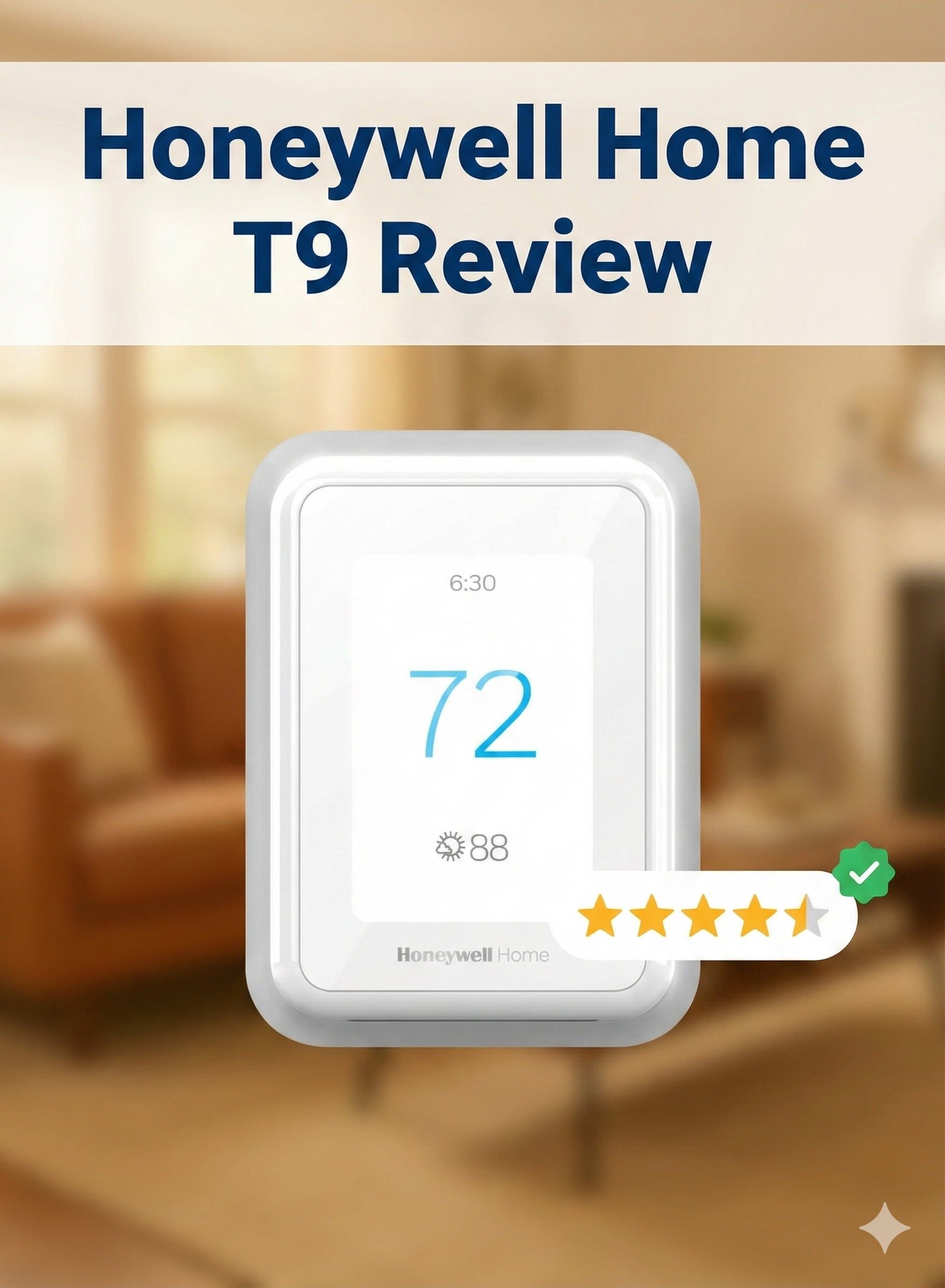
For years, the smart thermostat market felt like a two-horse race between Nest and Ecobee. But Honeywell, the legacy giant of HVAC, wasn’t sleeping. With the T9, they have launched a direct competitor to Ecobee, focusing on one specific pain point: temperature balance. Does the T9’s sensor technology finally solve the issue of the freezing bedroom and the boiling living room? We put it to the test.
The Legacy Strikes Back
Honeywell (now operating its home products under the spin-off Resideo) practically invented the thermostat. While silicon valley tech companies were busy making thermostats look like smartphones, Honeywell focused on reliability. However, the T9 bridges that gap. It offers the slick touchscreen interface modern users demand, paired with the industrial-grade reliability Honeywell is famous for.
The T9 is designed for the average homeowner who wants smart features without a steep learning curve. Unlike the Honeywell thermostat vs Nest debate where Nest focuses on learning your habits, the T9 focuses on *sensing* your presence. It’s a subtle but crucial difference.
Design and Build Quality
The T9 ditches the round shape popularized by Nest for a rectangular, white aesthetic. It measures about 4.9 inches wide and 3.7 inches tall. It’s functional, clean, and blends into white walls effortlessly. It doesn’t scream “I am a gadget” the way some competitors do.
The display is a responsive color touchscreen. While not as high-resolution as the Ecobee SmartThermostat Premium or the Emerson Sensi Touch, it is bright and easy to read. The background is white with sharp blue text, making it highly legible from across the room.
The Sensors: The real star of the show isn’t the main unit; it’s the Smart Room Sensors. These small, battery-operated squares (stick them to a wall or place them on a shelf) measure both temperature and humidity. They have a reported range of 200 feet, which in our testing, punched through walls better than many competitors.
Check Current Bundle Price

Often sold in a bundle with one Smart Room Sensor included.
Check Price on AmazonInstallation: The C-Wire Adapter Advantage
One of the biggest hurdles in smart thermostat adoption is the lack of a C-wire (Common wire) in older homes. Without it, Wi-Fi thermostats often fail, leading to issues where the thermostat keeps rebooting or draining power from the furnace.
Honeywell includes a C-wire adapter in the box. This is a massive value add. If you open your old thermostat and don’t see a C-wire, you don’t need to return the T9. You simply install the small adapter at your furnace control board. The app guides you through this process with surprisingly clear diagrams.
If you are uncomfortable with wiring, we recommend reading our thermostat instructions for homeowners before starting. However, for most DIYers, the T9 install takes about 30–45 minutes.
Smart Features: It’s All About the Sensors
The T9 is defined by how it handles room data. Here is how it differentiates itself:
1. Priority Scheduling
You can tell the T9 to prioritize specific rooms at specific times. For example, during the day, you might prioritize the living room and kitchen. At night, the system ignores those rooms and ensures the bedrooms are at the perfect sleeping temperature. This solves the age-old problem where the hallway is 72°F but the bedroom is 65°F.
2. Geofencing with a Twist
The Resideo app uses geofencing to detect when you leave. But unlike basic models, you can combine geofencing with scheduling. This creates a flexible system that saves money when you are gone but adheres to your comfort settings when you are home. To understand the mechanics of this, check our guide on what is a geofencing thermostat.
3. Intelligent Recovery
The T9 learns how long it takes to heat or cool your home. If you set it to be 70°F at 6:00 AM, it might start the furnace at 5:30 AM to hit that target precisely. If you notice your thermostat not reaching set temperature on time, disabling or re-enabling this “Adaptive Recovery” often fixes the perception issue.
Performance Evaluation
We lived with the T9 for several weeks. Here is the verdict on daily use:
- Accuracy: The sensors are incredibly accurate. We verified them against a lab-grade thermometer and found them to be within 1 degree.
- Range: Honeywell claims 200 feet of range for the sensors. In a 2,500 sq. ft. home, we had zero connection drops, even with the sensor in the basement and the thermostat on the second floor.
- App Reliability: The Resideo app has improved significantly. It’s faster than the old Honeywell Total Connect Comfort app. However, if you do experience connectivity glitches, check are WiFi thermostats worth it for troubleshooting tips.
- Energy Savings: Do smart thermostats really save money? Yes, especially with the T9. By not heating empty rooms (using the occupancy detection features), the system runs more efficiently.
Honeywell T9 vs. The Competition
The T9 sits in a crowded market. Here is how it stacks up.
| Feature | Honeywell Home T9 | Ecobee SmartThermostat | Google Nest Learning (v3) |
|---|---|---|---|
| Remote Sensors | Yes (Excellent range) | Yes (Included) | Sold Separately |
| C-Wire Adapter | Included | Included | No (Might need one) |
| Learning | No (Schedule based) | Eco+ Adaptation | Yes (Auto-Schedule) |
| Design | Utilitarian/Boxy | Glass/Modern | Classic Round |
| Price | $$ (Mid-High) | $$$ (High) | $$$ (High) |
If you are looking for a cheaper option without the sensors, you might consider the Amazon Smart Thermostat, which is actually made in partnership with Honeywell’s parent company, Resideo.
Alternatively, if you prefer a classic touchscreen without the remote sensors, see our comparison of Honeywell vs Emerson thermostats.
Pros & Cons
✅ The Good
- Sensor Range: Best-in-class signal strength for sensors.
- Installation: C-wire adapter included saves frustration.
- Interface: Simple, no-nonsense touchscreen.
- Compatibility: Works with almost every HVAC system.
❌ The Bad
- Design: Looks a bit like a standard white box compared to Nest.
- No Learning: Doesn’t program itself like Nest.
- Occupancy Lag: Sensors can take a few minutes to register you entered a room.
Expand Your System

Need more coverage? The T9 supports up to 20 sensors for total home control.
Shop Extra SensorsCommon Issues to Watch For
While reliable, the T9 isn’t immune to hiccups. Common user complaints include:
- Display Blanking: If the C-wire isn’t seated correctly, the screen may flicker. Check connections if this happens.
- System Cycling: If your thermostat says heat on but no heat is coming out, verify you selected the correct equipment type (Gas/Electric/Heat Pump) during the initial setup.
- Sensor Dropouts: While rare, thick concrete walls can block signals. Keep sensors away from large metal appliances.
For high-voltage systems (like baseboard heaters), the T9 is not compatible. You will need to check out our Mysa Smart Thermostat review for a high-voltage alternative.
Frequently Asked Questions
Does the T9 work without Wi-Fi?
Yes. It functions as a standard programmable thermostat without Wi-Fi. However, you will lose app control, geofencing, and voice command features.
Is the T9 compatible with 2-wire systems?
Technically yes, if you use the included C-wire adapter (which usually requires at least 3-4 wires at the bundle or a creative workaround). If you strictly have only two wires and no access to run more, you might be better off with one of the best battery operated thermostats.
Does it support humidity control?
The T9 reads humidity but does not control a humidifier or dehumidifier natively. For that functionality, you need the “Pro” version, the Honeywell Home T10 Pro.
Can I lock the screen?
Yes, the T9 has a screen lock feature with a PIN code, making it excellent for landlords or parents with curious children.






 Home
Home
 Info
Info
 Compare
 Reviews
 Shop
Shop