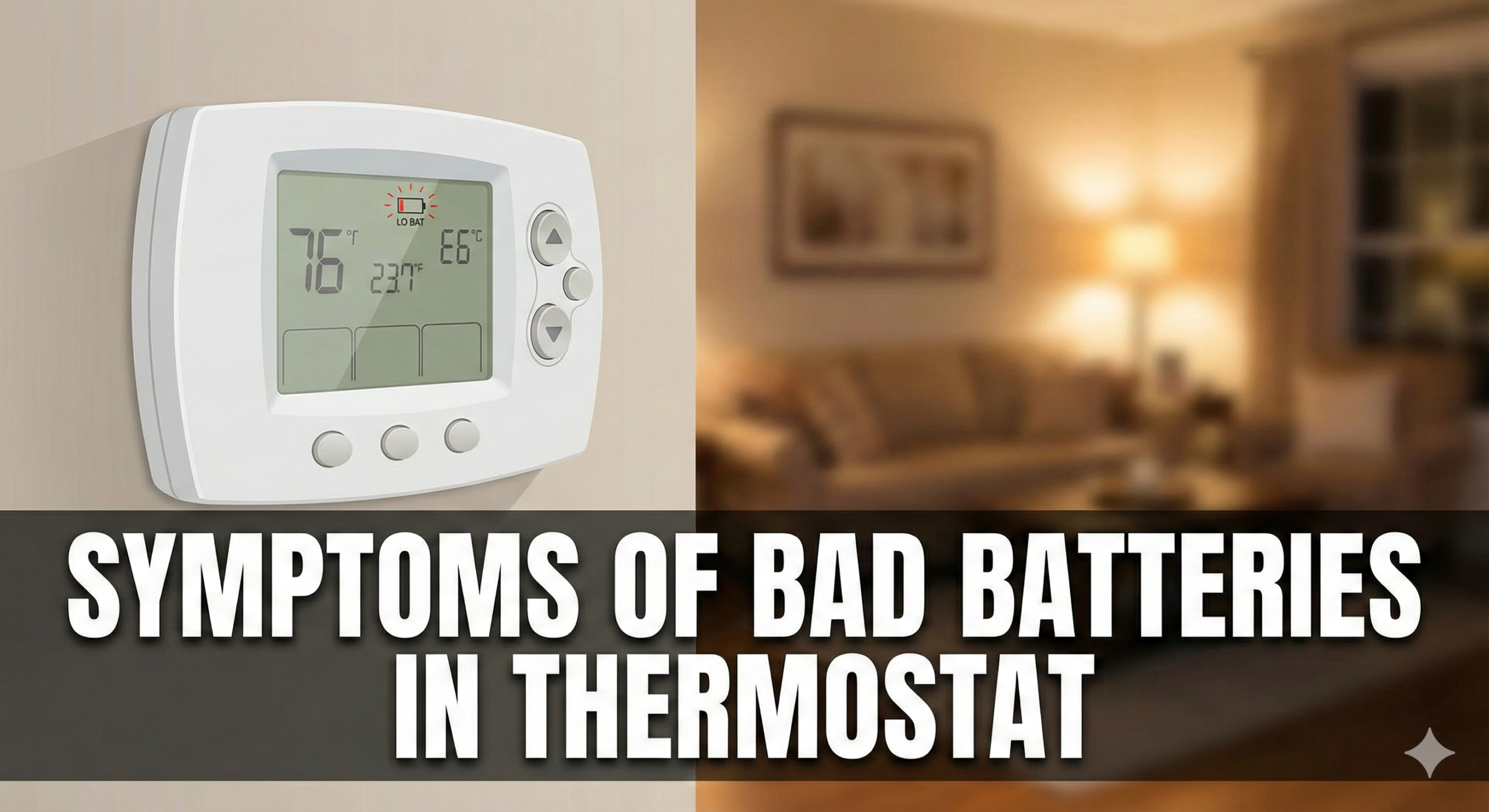
Is Your AC Acting Up? 7 Warning Signs of Bad Thermostat Batteries
We’ve all been there: it’s the middle of the night, freezing cold or sweltering hot, and your HVAC system suddenly decides to take a break. Before you panic and call an expensive technician, the culprit might be sitting right on your wall—and it costs less than $5 to fix.
Bad or dying batteries in your thermostat are the number one cause of unexpected heating and cooling glitches. While modern thermostats are smart, they are useless without a steady power source. Recognizing the symptoms of bad batteries early can save you from a shivering night and a hefty service call bill.
In this guide, we’ll walk you through exactly how to tell if your thermostat batteries are the problem, how to fix it, and when it might be time for an upgrade.

Don’t get caught without power. Stock up on long-lasting batteries today.
Check Price on AmazonTop 3 Signs (The Quick Answer)
In a rush? If you notice any of these three issues, change your batteries immediately:
- Fading Display: The numbers on the screen are dim, flickering, or completely blank.
- Lack of Response: You press buttons, but the thermostat doesn’t react or lags significantly.
- Heating/Cooling Won’t Start: The system doesn’t kick on even when the set temperature is well above or below the room temperature.
If swapping the batteries fixes these, you’re good to go. If not, read on for a deeper diagnosis.
7 Common Symptoms of Bad Thermostat Batteries
When batteries start to lose voltage, thermostats can behave erratically. It’s not always a simple “on or off” situation. Here are the specific symptoms to watch for.
1. The Display is Blank or Fading
This is the most obvious visual cue. Most digital thermostats, like Honeywell or Emerson models, will have a display that slowly loses contrast as power drains. If you have to squint to read the temperature, or if the backlight no longer works, your batteries are likely on their last leg. A completely blank screen usually means the batteries are dead.
2. Low Battery Icon Appears
Many modern units are helpful enough to tell you what’s wrong. Look for a flashing battery icon, a “Low Batt” warning text, or a red LED light flashing on the unit. Do not ignore this! It usually appears about 30-60 days before total failure.
For more specific details on icons, read our guide on thermostat low battery symptoms.
3. HVAC System Won’t Turn On
Your thermostat acts as the “brain” for your furnace or AC. It uses a relay to send a signal to the heating or cooling unit to turn on. When battery voltage drops, the thermostat might have enough power to keep the display on, but not enough power to trigger the relay. This results in the confusing scenario where the thermostat looks like it’s working, but you have no heat.
For more on this, check out our guide on why a thermostat says heat is on but there is no heat.
4. Erratic Temperature Readings
Are you feeling hot, but the thermostat says it’s 65 degrees? Low voltage can corrupt the internal sensors, causing the thermostat to read the room temperature incorrectly. This leads to the system running too long or not enough, making your home uncomfortable.
5. Program Settings Are Lost
Programmable thermostats rely on batteries to retain memory during power fluctuations. If your batteries are weak, the device might reset itself to factory defaults (often 70 degrees or similar) unexpectedly. If you find your schedule wiped out, replace the batteries first.
6. The System Short Cycles
Short cycling is when your AC or furnace turns on, runs for a few minutes, turns off, and then repeats the process rapidly. While this can be caused by a dirty filter or a bad thermostat, weak batteries often cause the control signals to fluctuate, confusing the HVAC equipment.
7. Unresponsiveness
If you press the temperature “Up” button and nothing happens for 5 seconds, or if the interface feels sluggish, the processor inside isn’t getting adequate voltage.

Tired of changing batteries? Upgrade to a smart thermostat with a C-wire adapter.
Check Price on AmazonTroubleshooting: Is It Batteries or the Thermostat?
Sometimes fresh batteries don’t solve the problem. Here is how to differentiate between a battery issue and a broken unit.
| Symptom | Likely Battery Issue | Likely Broken Thermostat |
|---|---|---|
| Screen | Faded or flashing icon | Broken segments or dead pixels even with new batteries |
| Behavior | Sluggish response | Clicking sound but no system activation |
| Reset | Works after battery swap | Requires hard reset or wiring fix |
Pro Tip: Before assuming the thermostat is broken, ensure the battery terminals are clean. Corrosion (white crusty powder) can block power flow. Clean it carefully with a cotton swab dipped in white vinegar.
If you suspect the unit is actually dead, read our guide on how to tell if your thermostat is bad.
Best Batteries for Thermostats
Not all batteries are created equal, especially for low-drain devices like thermostats. Using the wrong type can lead to faster depletion or leakage.
Alkaline (AA or AAA)
These are the standard recommendation for 90% of thermostats (Honeywell, Emerson, etc.). They provide a steady voltage drop-off, which allows the “Low Battery” indicator to function correctly.
Lithium Batteries
While lithium batteries last longer, they are not recommended for some older thermostats. Lithium batteries maintain a high voltage until they die suddenly. This means you might not get a “Low Battery” warning—your heat will just stop working one day. Check your manual before using these.
Rechargeable (NiMH)
Avoid these. Rechargeable batteries have a lower starting voltage (1.2V vs 1.5V). Your thermostat might think the battery is already low the moment you put them in.
Looking for a hassle-free option? See our list of the best battery-operated thermostats available today.

Switch to a Google Nest and monitor your system health directly from your phone.
Check Price on AmazonPreventative Maintenance Tips
To ensure your home stays comfortable year-round, follow these simple maintenance steps:
- Annual Swap: Change batteries once a year, even if they aren’t dead. A good time to do this is when you change your clocks for Daylight Savings or when you switch from heating to cooling.
- Check Corrosion: Inspect the battery compartment for leaks every time you change them.
- Use High-Quality Brands: Stick to Duracell or Energizer. Generic “heavy duty” batteries often leak and ruin the circuit board.
- Consider a C-Wire: If your home is wired for it, a “Common Wire” (C-Wire) provides constant power from your HVAC system, using batteries only as a backup. This is crucial for WiFi thermostats.
If you are a landlord, you might want to look into the best smart thermostats for rental properties to monitor battery levels remotely.
Frequently Asked Questions

Upgrade to the Ecobee Smart Thermostat Premium for ultimate comfort and voice control.
Check Price on Amazon