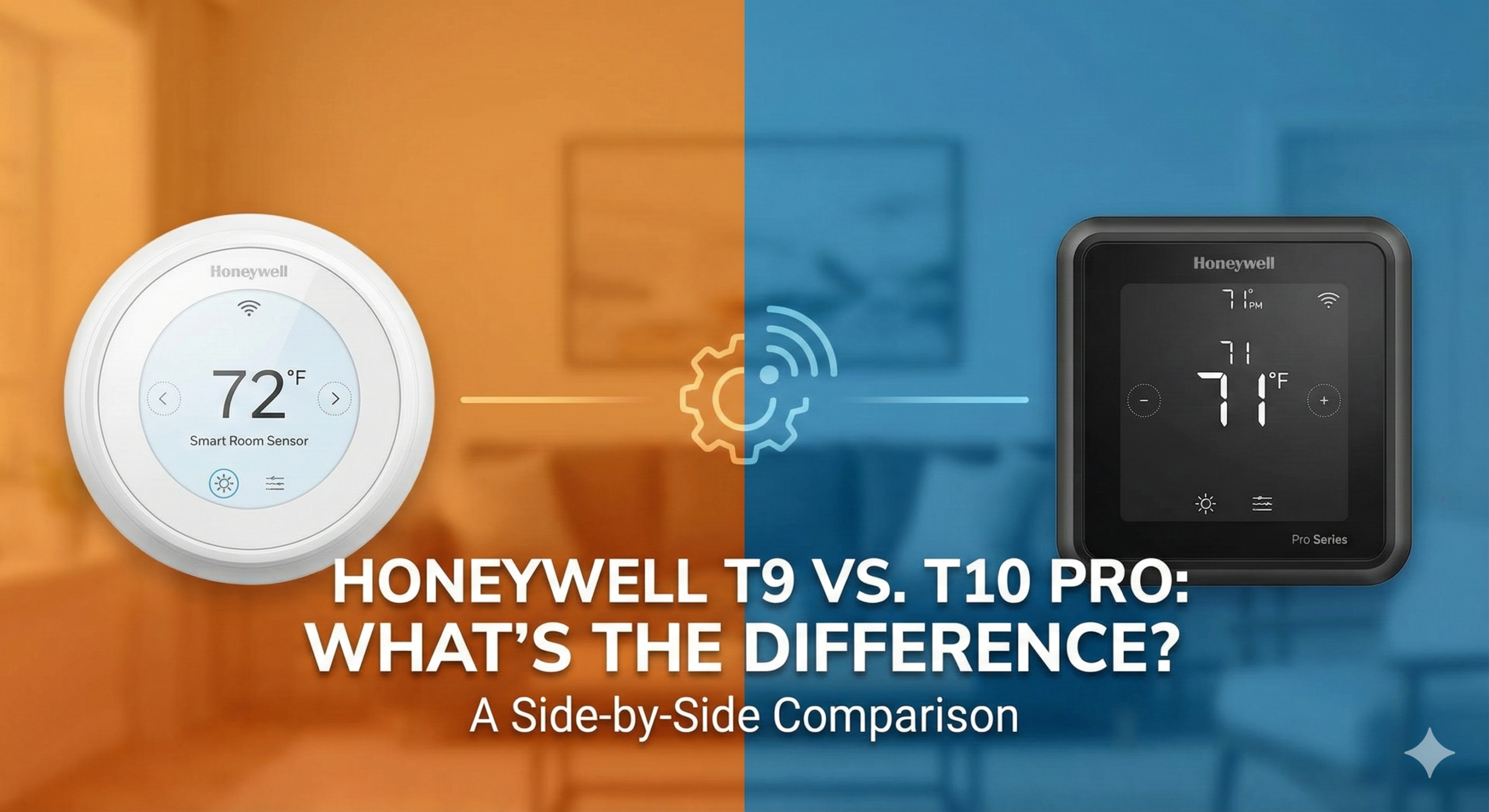
Honeywell T9 vs. T10 Pro: What’s the difference?
Navigating the labyrinth of smart thermostat model numbers can feel like a full-time job. Within the Honeywell Home ecosystem (now under the Resideo umbrella), two models frequently dominate the conversation for high-end residential climate control: the Honeywell Home T9 and the Honeywell Home T10 Pro. At first glance, these two devices look identical. They share the same sleek white chassis, the same vibrant touchscreen interface, and they both utilize the revolutionary Smart Room Sensors to eliminate hot and cold spots in your home.
However, the difference between “Consumer” and “Professional” grade equipment is significant in the HVAC world. While the T9 is a retail darling designed for the DIY enthusiast, the T10 Pro is a specialized instrument typically reserved for HVAC contractors to install in complex, whole-home systems. Choosing the wrong one could mean the difference between a simple plug-and-play experience and a system that fails to manage your humidifier, dehumidifier, or ventilation system. In this exhaustive comparison, we break down every technical nuance to help you decide which T-series powerhouse belongs on your wall.

The DIY King: Honeywell Home T9
Perfect for most homeowners looking for room-specific temperature control without the need for pro installation.
Check Price on AmazonQuick Comparison Table: T9 vs. T10 Pro
| Feature | Honeywell Home T9 | Honeywell Home T10 Pro |
|---|---|---|
| Target Audience | DIY Homeowners (Retail) | Professional HVAC Installers |
| Installation | Self-Install Friendly | Professional Recommended |
| IAQ Support | None (Basic Heat/Cool) | Humidifiers, Dehumidifiers, Vent |
| Smart Room Sensors | Included (Supports up to 20) | Included (Supports up to 20) |
| Warranty | 2 Years (Retail standard) | 5 Years (Pro-installed) |
| App Control | Resideo App | Resideo App |
| Apple HomeKit | Yes | Yes |
The Critical Difference: IAQ and Accessory Control
The single most important technical difference between the Honeywell T9 and the T10 Pro lies in IAQ (Indoor Air Quality) management. If your home features an integrated whole-house humidifier, a dedicated dehumidification system, or a mechanical ventilation system (like an ERV or HRV), the T9 will not suffice. The T9 is designed primarily to manage temperature—heating and cooling stages—but it lacks the auxiliary terminals required to trigger complex air quality hardware.
The T10 Pro, on the other hand, is a master of all trades. It features a “U” terminal (Universal) that can be configured to control one IAQ accessory. This is why HVAC contractors prefer the T10 Pro; it allows them to consolidate multiple controllers into one interface. If you are comparing the Honeywell Home T9 review against pro-grade specs, you’ll see that the T10 Pro bridges the gap between a standard thermostat and a full building management system.
For users who don’t have these extra accessories, the T9 offers a more streamlined, less confusing wiring plate. However, if you are looking for a system that can handle everything at once, you might also find interest in our analysis of the Ecobee Smart Thermostat Premium review, which also includes built-in air quality monitoring.
Smart Room Sensors: Eliminating Hot and Cold Spots
Both the T9 and T10 Pro utilize the same Honeywell Home Smart Room Sensors. Unlike older “remote” sensors that simply reported temperature, these sensors are intelligent. They detect both temperature and humidity, but more importantly, they detect occupancy. Using passive infrared (PIR) technology, the sensors tell the thermostat which rooms are currently being used.
Imagine you have a home office that gets sweltering in the afternoon while the living room (where the thermostat is located) stays cool. With the T9 or T10 Pro, you can tell the thermostat to ignore the living room’s reading and focus entirely on the office during work hours. You can even “average” the temperature across all occupied rooms. This level of granular control is a major reason people choose Ecobee vs Honeywell Home, as both brands lead the pack in sensor innovation.
- Range: These sensors have an impressive 200-foot range.
- Battery Life: Typically lasts 12-24 months on AAA batteries.
- Quantity: Both models can handle up to 20 sensors simultaneously, covering even the largest estates.

Expansion Pack: Honeywell Smart Room Sensors
Add sensors to every bedroom for the ultimate “comfort-where-you-are” experience.
Check Price on AmazonInstallation: DIY vs. Professional Grade
Honeywell designs the T9 for the retail market. The packaging includes a “C-Wire Power Adapter” for those whose older homes lack a common wire. The installation guide is written for the average person, with step-by-step photos and a logic flow that mirrors the Amazon Smart Thermostat review experience—quick, intuitive, and high-success rate.
The T10 Pro is technically “restricted” to professional sale. While you can find it online through third-party sellers, Honeywell/Resideo does not officially offer technical support to homeowners who install the T10 Pro themselves. Furthermore, the warranty on a T10 Pro is often slashed from 5 years down to 1 or 2 years if it isn’t registered by a licensed contractor. This is a common practice in the industry, similar to what we see when comparing Honeywell vs Emerson thermostat models.
Common Wire Requirements
Both thermostats require a C-Wire to power the touchscreen and Wi-Fi radio. If you don’t have one, the T9’s included adapter is a lifesaver. With the T10 Pro, a contractor will typically either pull a new wire or use a similar “add-a-wire” kit, but it’s not always bundled in the same consumer-friendly way.
Ecosystem Integration: Smart Home Synergy
Whether you choose the T9 or the T10 Pro, you are getting a device that plays exceptionally well with others. Both models support:
- Apple HomeKit: Allows for Siri control and inclusion in Apple “Scenes.”
- Amazon Alexa: Use voice commands like “Alexa, set the hallway to 72 degrees.”
- Google Assistant: Full integration with Nest Hubs and Google Home.
- IFTTT: For those who want to create custom automations (e.g., “If I leave a 5-mile radius, set the T9 to Eco Mode”).
In the debate of Honeywell thermostat vs Nest, Honeywell often wins on compatibility with older HVAC systems and its superior physical interface, even if Nest is considered “prettier” by some. If you are interested in the very latest from the competition, keep an eye on the Nest Learning Thermostat 4th Gen rumors.
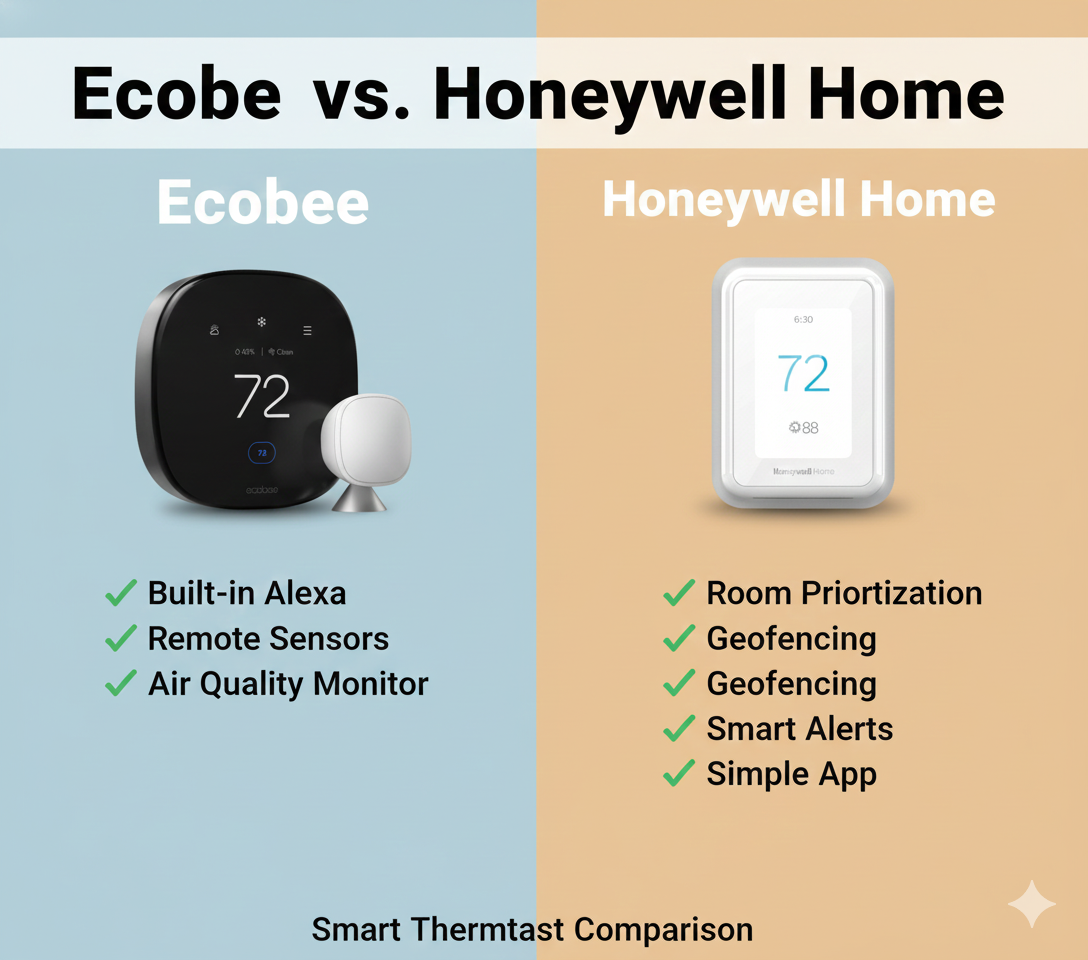
Considering the Competition?
If you need native air quality sensors built into the unit, the Ecobee Premium is a top-tier alternative.
Read Our Full ComparisonPros and Cons: Weighing Your Options
Honeywell Home T9
- Pro: Full DIY support and easy installation.
- Pro: Often cheaper and frequently goes on sale.
- Pro: Includes the C-wire adapter in the box.
- Pro: Excellent occupancy-based room sensing.
Honeywell Home T9
- Con: Cannot control humidifiers or ventilators.
- Con: Shorter warranty period (2 years).
- Con: Plastic build feels slightly less “premium” than some rivals.
Honeywell Home T10 Pro
- Pro: Controls full IAQ (Humidity, Dehumidification, Vent).
- Pro: Massive 5-year warranty (when pro-installed).
- Pro: Used by professionals, implying higher long-term reliability.
- Pro: Sleeker, bezel-less design aesthetic.
Honeywell Home T10 Pro
- Con: Harder to source for DIYers.
- Con: Warranty issues if not installed by a pro.
- Con: More complex setup menu can be daunting.
Performance Evaluation: Daily Use and Scheduling
In daily operation, you won’t notice a difference in how the T9 and T10 Pro maintain temperature. Both utilize Honeywell’s legendary Adaptive Intelligent Recovery. This feature learns how long it takes your system to reach a specific temperature and starts the system early so the house is exactly 72 degrees at 7:00 AM, rather than just starting the heater at 7:00 AM. This is much more sophisticated than budget options like the Wyze vs Govee thermostat models.
The Resideo App is the hub for both. It is reliable, though some users find it less “slick” than the Nest app. It provides geofencing capabilities, allowing the thermostat to track your smartphone’s location and switch to “Away” mode when you leave the house, saving you money on energy bills without you having to touch a button.
Frequently Asked Questions (FAQ)
Can I use T10 sensors with a T9 thermostat?
Yes. The Smart Room Sensors (RCHTSENSOR3011/U) are universal across the T9, T10 Pro, and several other Honeywell Home models. They are cross-compatible and function identically on both systems.
Do I need a professional to install the T10 Pro?
Technically, no—the wiring is straightforward if you know what you are doing. However, Honeywell’s policy states that the 5-year warranty is only valid if installed by a licensed HVAC professional. DIY installation may void or limit the warranty.
Does the T9 support humidifiers?
No. The T9 does not have the auxiliary terminals (U terminals) required to control a whole-house humidifier. You would need the T10 Pro or a standalone humidistat for that function.
How many stages of heating and cooling can these handle?
Both the T9 and T10 Pro can handle up to 3 Stages of Heat and 2 Stages of Cool for heat pump systems, or 2 Stages of Heat and 2 Stages of Cool for conventional systems.
Is the T10 Pro better than the Nest Learning Thermostat?
For complex HVAC systems with accessories like dehumidifiers, the T10 Pro is superior. For simple systems where “learning” algorithms and aesthetics are the priority, the Nest is often preferred. See our Honeywell vs Nest guide for more.
What is the “Pro” version of the T9?
The T10 Pro is essentially the “Pro” version of the T9, offering expanded hardware control and a longer professional warranty.
Does the T9 work without Wi-Fi?
Yes, it will function as a basic programmable thermostat without Wi-Fi, but you will lose app control, geofencing, and voice assistant integration.
Does it support 5GHz Wi-Fi?
Yes, both the T9 and T10 Pro are dual-band (2.4GHz and 5GHz) compatible, which is a significant advantage over many cheaper smart thermostats that only support 2.4GHz.
Final Verdict: Which Should You Buy?
The choice between the Honeywell T9 and the T10 Pro comes down to your home’s HVAC complexity.
Choose the Honeywell T9 if: You have a standard heating and cooling system, you want to install it yourself this weekend, and your main goal is to use remote sensors to balance temperatures between rooms. It is the best value for 90% of homeowners. If you are on a tighter budget, you might even consider the Honeywell T5 review for a simpler Wi-Fi option.
Choose the Honeywell T10 Pro if: You are building a new home or have a high-end HVAC system that includes a whole-house humidifier, dehumidifier, or specialized ventilation. If you are hiring a professional to do the work anyway, the 5-year warranty and unified accessory control make the T10 Pro the obvious winner.
Ready to optimize your home’s climate?
Get the Honeywell Home T9 today and start saving on your energy bills while enjoying perfect comfort in every room.
Buy the Honeywell T9 on Amazon